Overview
You may want to export reward details from Influitive.
Instructions
- Log in to your Influitive Hub
- Go to Programs > Rewards
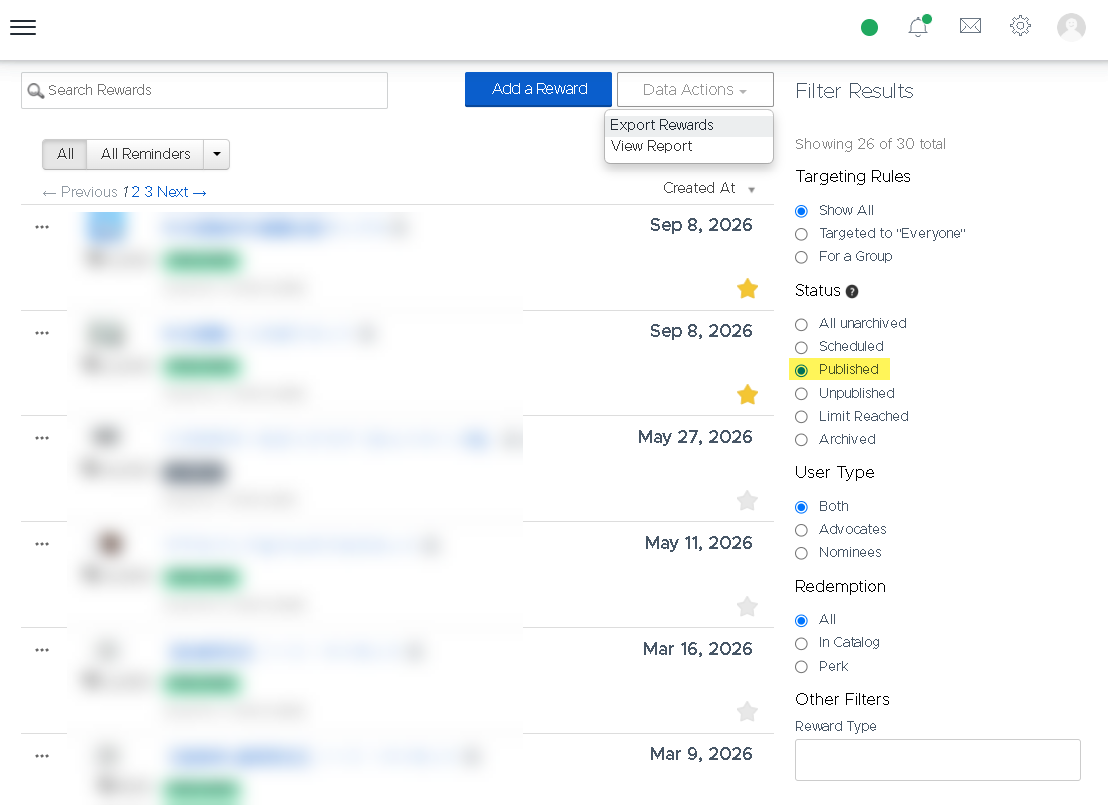
- Filter based on Published (or use another filter if needed)
- Click Data Actions > Export Rewards
- Wait for a few minutes - the data will be delivered to your email.
Alexandr Oliynyk
Comments